Signed up? One step left.
Go back to Telegram and open the bot. It checks your signup and takes you through your first day.
Open the bot in TelegramYour access switches on by itself within about two minutes of the Stripe signup. If it has not, press the bot's "check now" button. If the button above does not open Telegram, open Telegram yourself and search for @KingdomAnalytics_bot.
Your first day
Go back to the bot
Open @KingdomAnalytics_bot in Telegram. It confirms your access and sends you a private invite to the Premium Lounge: a one-time link, made only for you.
Join the Premium Lounge
Use the invite the bot sent you. This is what is posted there:
- Daily Trade Setup Dashboard: every trading evening after the close, usually by 7 PM ET
- Daily AI Trade Desk bull & bear plan: before the open
- Pre-market & post-market briefings: every trading day
- Weekly catalyst report: every Sunday, with the economic & earnings calendars
Send your TradingView username to the bot
In the bot, send
/tradingviewand give it your TradingView username. Micah adds the five indicators by hand, usually within an hour of seeing your signup. If you sign up overnight, he adds them first thing once he is awake. The bot messages you when they are live.Then, on TradingView:
- Open a chart.
- Click Indicators.
- Open the "Invite-only scripts" tab.
- Click each indicator to add it.
The five: Key Institutional Levels, Foresight Ultimate, Market Structure, Oscillator and Volume & Orderflow.
Open the two apps
Both are included in Ultimate. Each one opens inside Telegram.
- Options Flow Live. Open @OptionsFlowLiveBot, press Start, then Open Live Flow.
- Market Signals. Open @MarketSignalApp, press Start, then Open Live Signals.
If either app says you are on the Free plan, message @KingdomAnalyst and we switch it on.
Watch the demos
Short videos of each one in use are just below.
The demos
The two apps
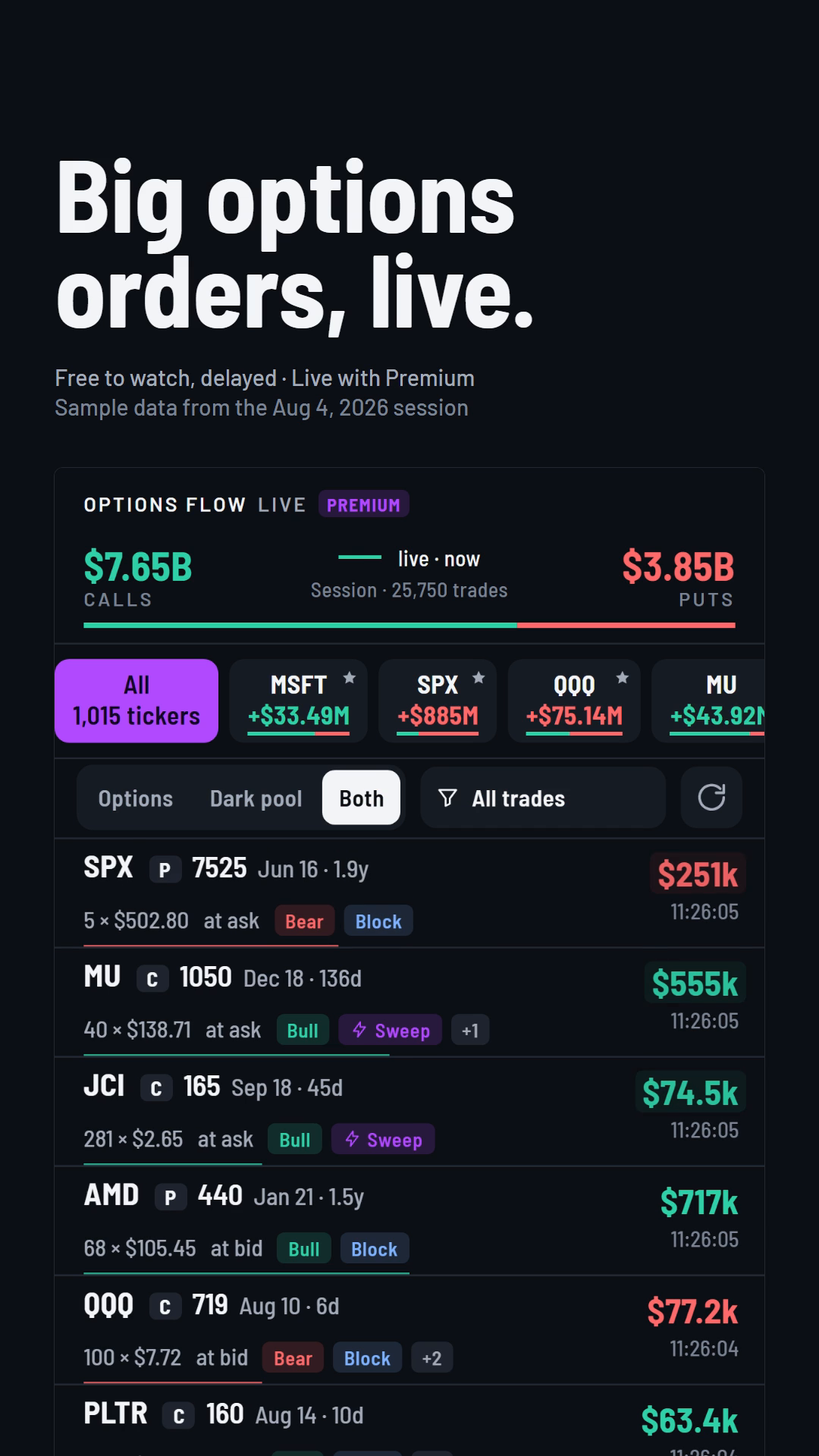
Options Flow Live
A 21-second walkthrough with sound, using sample data. The app calls its live level Premium; Ultimate includes it.
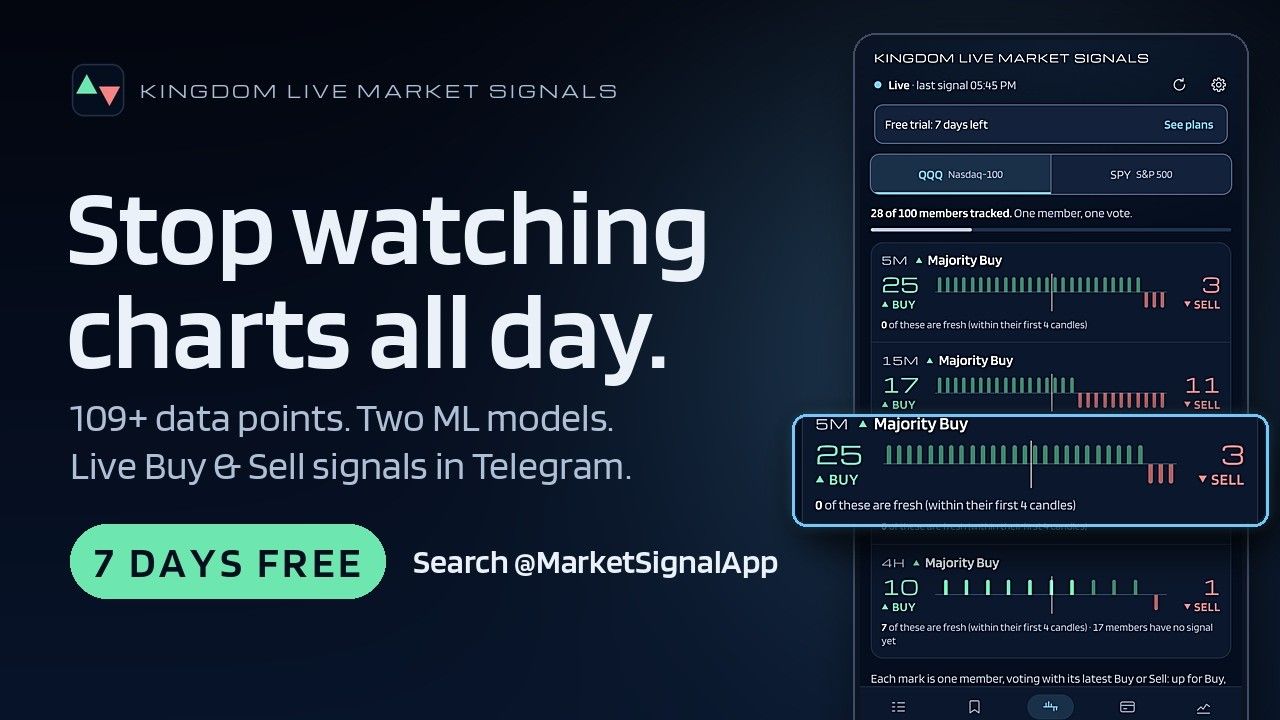
Market Signals
Live Buy and Sell signals for stocks, crypto, forex and futures.
The TradingView indicators
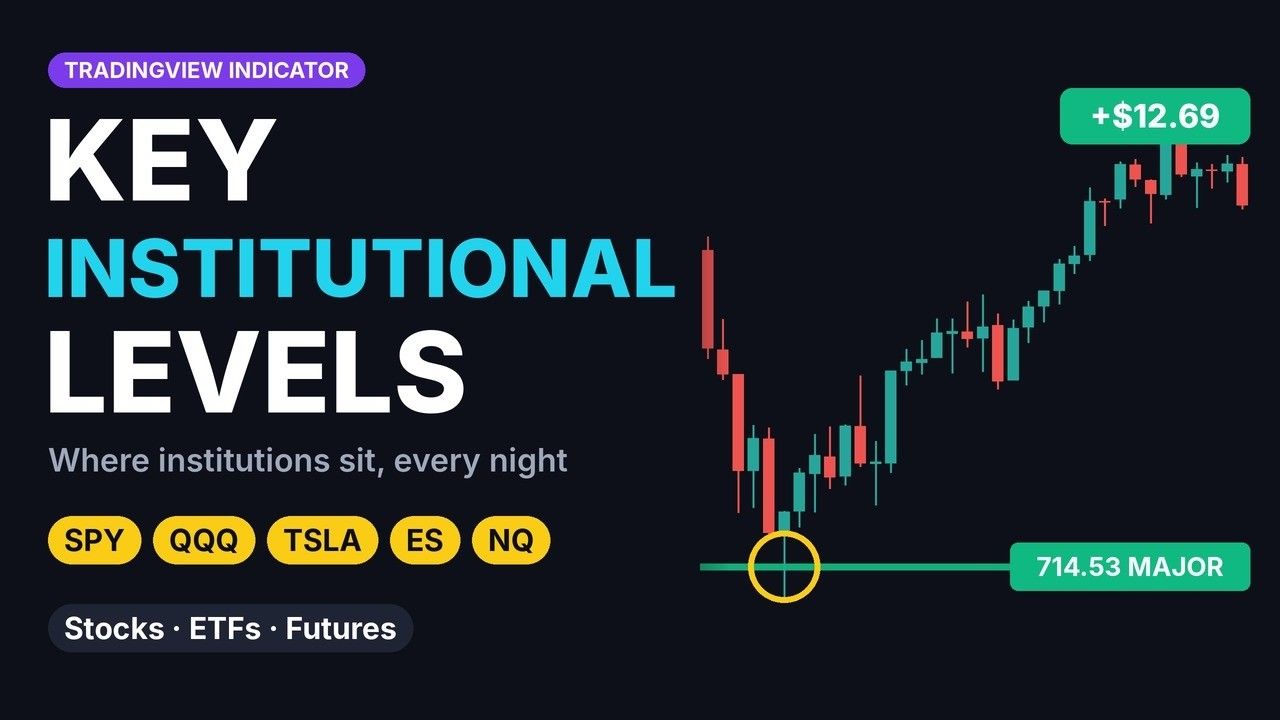
Key Institutional Levels
The day’s levels drawn on your TradingView chart, updated daily.
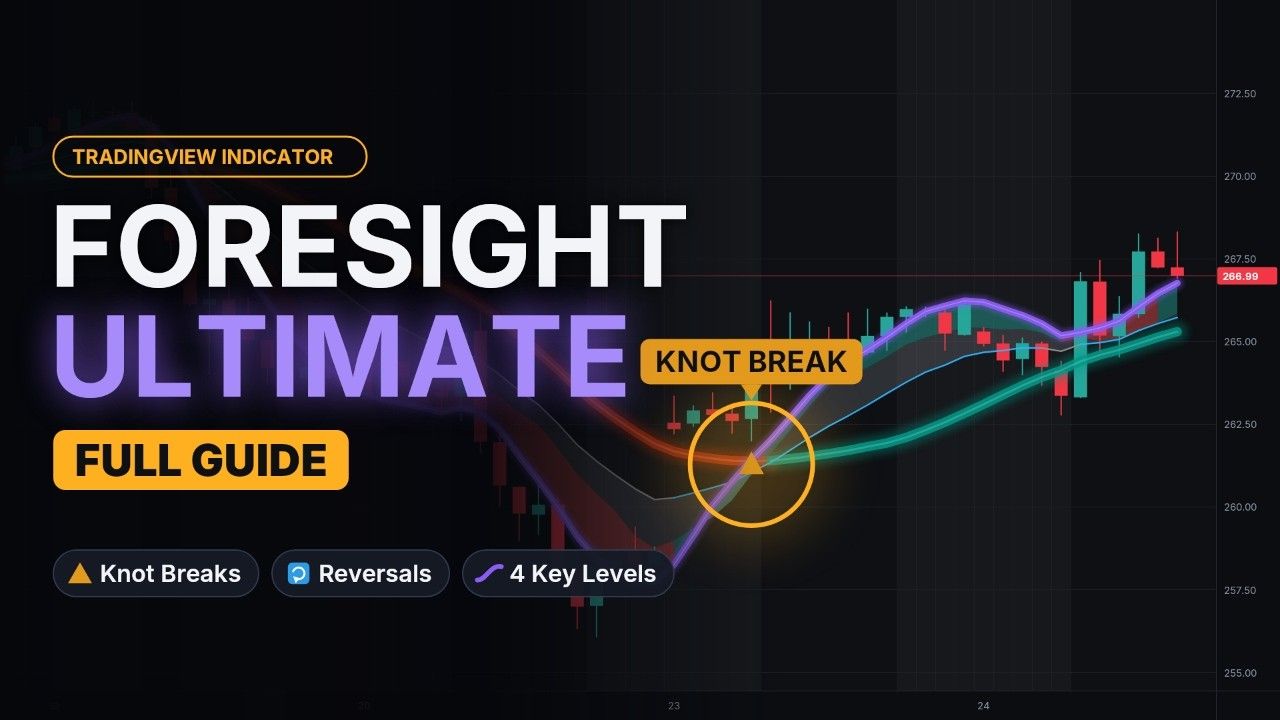
Foresight Ultimate
AI trend engine with buy/sell signals, market regime and auto entry, stop and target.
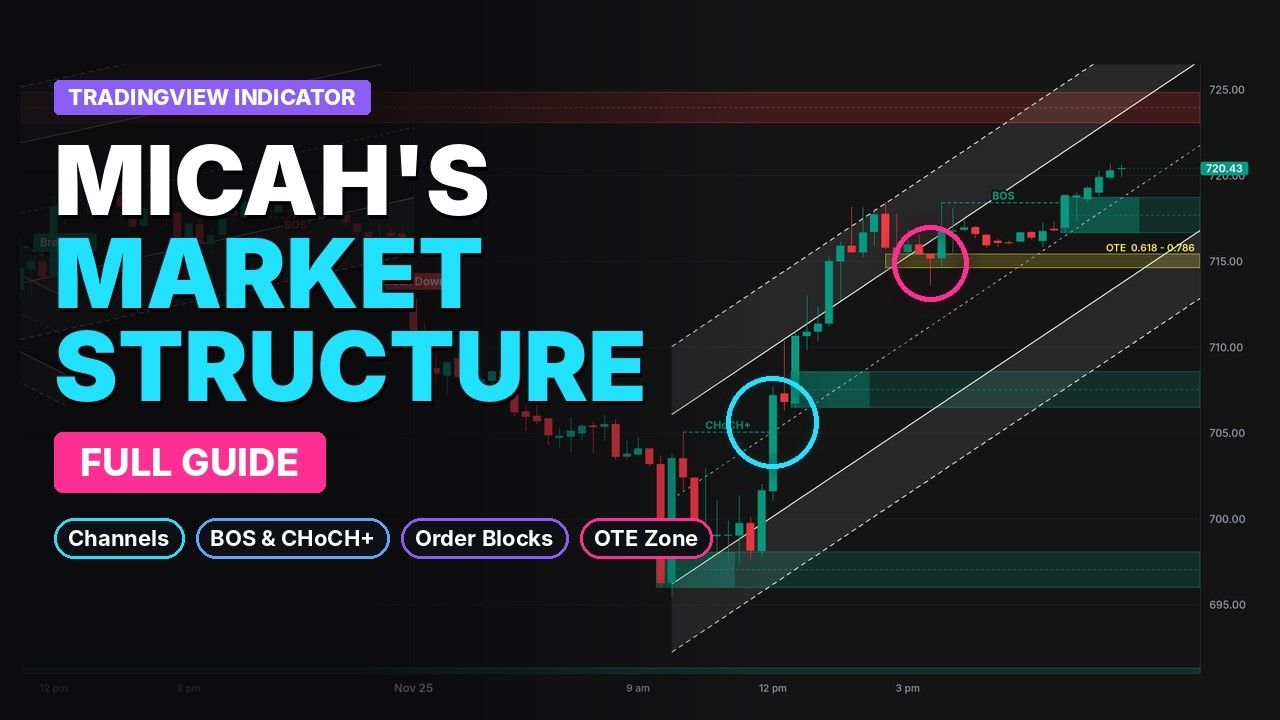
Market Structure
BOS/CHoCH, order blocks, FVGs, liquidity sweeps & big-trade bubbles.
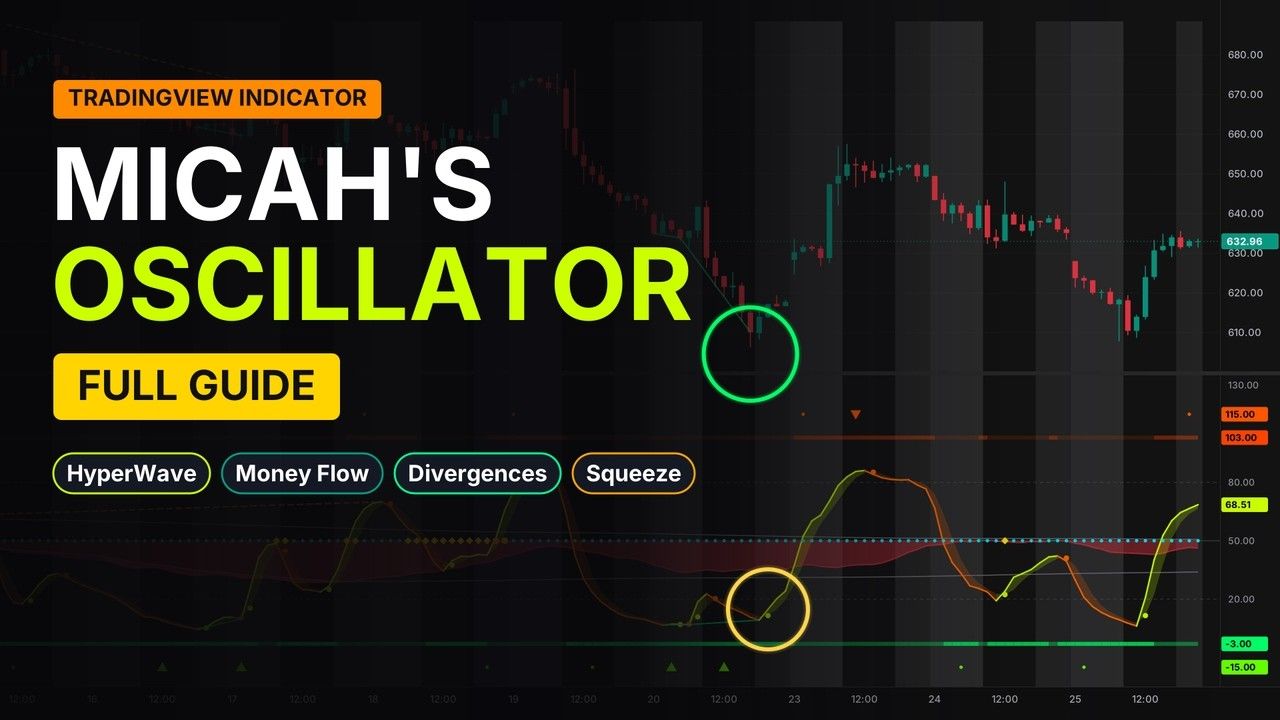
Oscillator
Momentum with live regular & hidden divergences, squeeze & reversal signals.
Billing and help
- The free trial
- 7 days with no charge. It then becomes $129/mo unless you cancel before the trial ends.
- Manage or cancel
- Open the bot and send
/cancel. It shows the Manage My Subscription button. The refund policy and the terms of use have the rest. - Help
- Message Micah at @KingdomAnalyst.